

Pops only in the editor on Windows
If you hear pops while editing on Windows but not on the video’s share page, turn on low-res mode: click the Low-res button (lightning bolt icon) in the editor toolbar.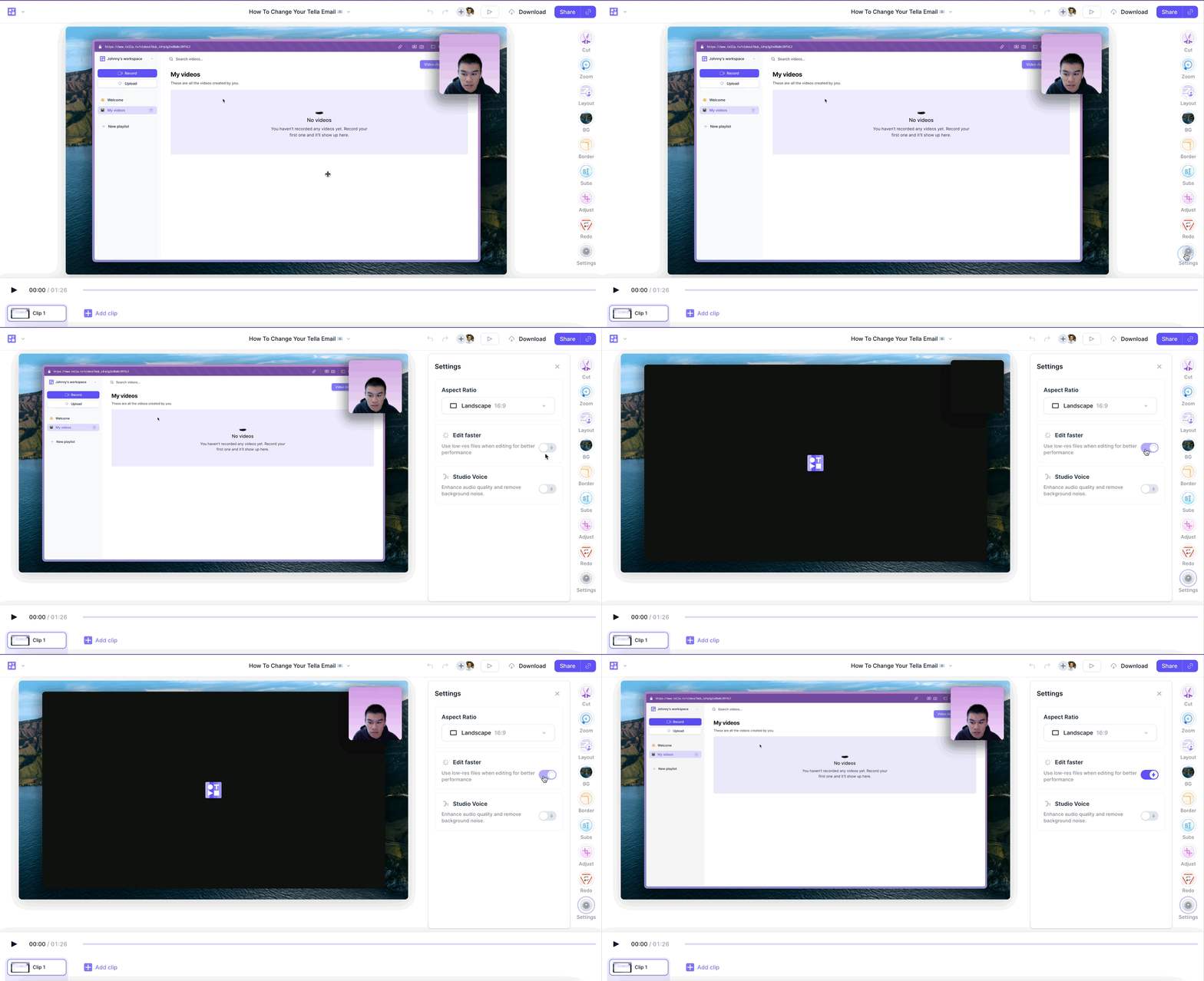
Popping, crackling, or loud noises in a Tella video are fixed by re-rendering it. Pops that only happen in the editor on Windows are fixed by Low-res mode.