

Flip the camera from the canvas
Right-click the webcam layer directly on the canvas and choose Flip horizontally. The flip applies immediately without opening any panel.Flip your camera from a sidebar
- Open your video in the Tella editor.
- Select the clip where you want to flip the camera layer.
- Click Adjust in the sidebar, or press
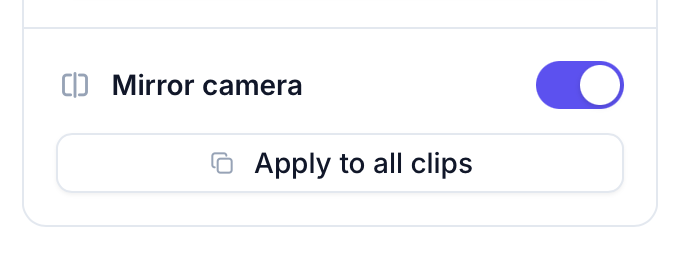
A. - Toggle Mirror camera on.
- Open Layout, select Customize layout, and use Mirror camera in the camera controls.
- Open the camera crop tool and use Mirror camera below the preview.
Mirror the camera in every clip
Mirroring applies per clip. To flip the camera in every clip at once, click Apply to all clips next to Mirror camera in the Adjust panel. You can also select each clip and turn on Mirror camera individually.Mirroring applies to the clip’s camera layer, so if the clip uses several layouts they all mirror together. There’s no way to mirror the camera for just one layout within a clip.