

Insta360 Link Controller Issues
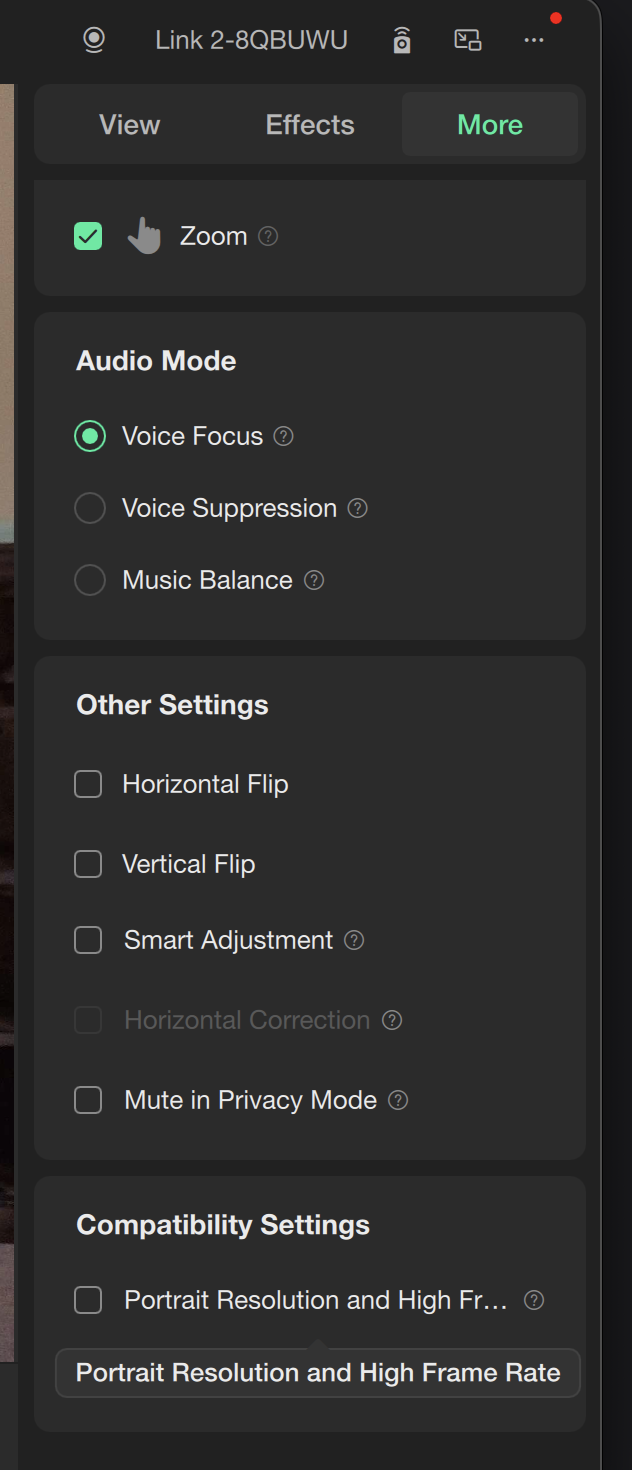
An Insta360 Link picture that flips vertically on Mac is fixed by turning off Portrait Resolution and High Frame Rate in the Insta360 Link Controller.
If your Insta360 Link picture flips upside down in Tella on a Mac, turn off Portrait Resolution and High Frame Rate in the Insta360 Link Controller app. That stops the stream from flipping vertically.
Last modified on September 28, 2026